Note
Click here to download the full example code
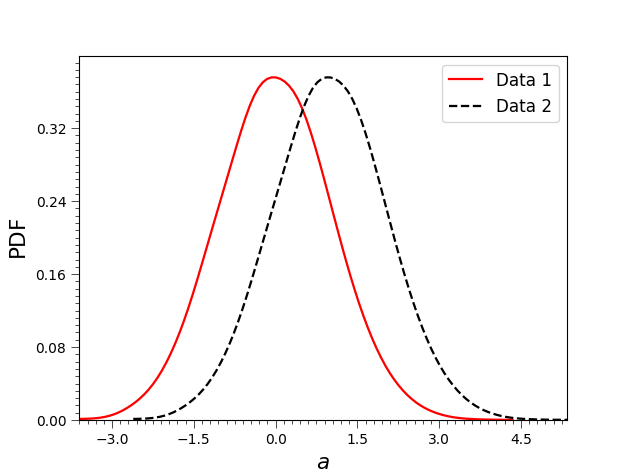
1D contour with multiple data sets by changing settings
Plot good figures with multiple data sets using more settings.
import coplot.plot_contours as plc
import coplot.plots as pl
import matplotlib.pyplot as plt
import numpy as np


a1 = np.random.randn(10000)
a2 = a1 + 1

# If you want to plot good figures, you should use it like this:
fig = plc.Plot_1d([a1,a2]).plot(bins=150,labels=[r'$a$', r'$\rm PDF$'],colors=['r','k'],\
line_styles=['-','--'], smooth=3, ticks_size=10, legend=True, legend_labels=['Data 1', 'Data 2'])
# and you can save the figure like this:
# pl.savefig('test_1d_3.pdf', fig)
plt.show()
Total running time of the script: ( 0 minutes 0.493 seconds)